

AD Sites and Services: ‘Show Services Node’ Missing?
KB ID 0001448 Problem While working on an old Exchange system this week I wanted to take a look at the ‘autodiscovery’ SCP in AD Sites and Services. Read any post, and you will se that you need to enable ‘Services Node View’ in AD sites and services. To do that you simply right click then go to View > Show Service Node. However, I didn’t get that option? Solution This was driving me crazy for a while,...

Exchange 2010 Stops Working after 6 – 12 Hours Uptime
KB ID 0001447 Problem If your Exchange 2010 Server Stops working after a 6 to 12 hour window, then this is a known problem caused by last months (July 2018) security updates. You will also notice that the ‘transport service’ becomes unresponsive. Note: A reboot will temporarily fix the problem but the server then ceases to function after the same time. Solution Which update you need to uninstall, depends on your operating...
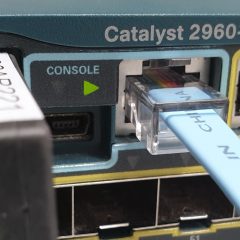
Cisco ASA: VPNs With Overlapping Subnets
KB ID 0001446 Problem I’ve seen this pop up a few times in forums, and I’ve even seen people post “It cant be done, you will need to change one of the subnets,” but to be honest, it’s not that difficult. We simply have to do some NAT. This is the bit people struggle with, with VPNs usually we need to STOP NAT being applied to VPN traffic, and we still do, we simply NAT the traffic before we sent it over...
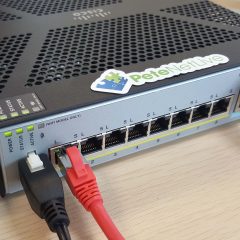
Cisco ASA ‘Ping Source?’
KB ID 0001445 Problem To be honest, the title is a little misleading, on an ASA you can specify which interface to launch a ‘ping’ from, but that’s it. I found myself in a situation today where I was working on a client firewall and I was trying to bring up a VPN tunnel, and I did not have access to any of their machines, and nor did they, (hence the reason for the VPN tunnel!) Well we can’t use good old...

Cisco Stacking 2960-X Catalyst Switches
KB ID 0001444 Problem You can stack up to 8 2960-X Switches*, you will require the stack modules and cables, (shown below). *Note: If you are studying for an exam, and the question is StackWize the answer is 9. Solution Stack Modules: Power down the switch, remove the blanking plate and fit the module, then when powered on you can use a show inventory command to make sure the module has been detected correctly. Switch#show inventory...