
KB ID 0000429
Problem
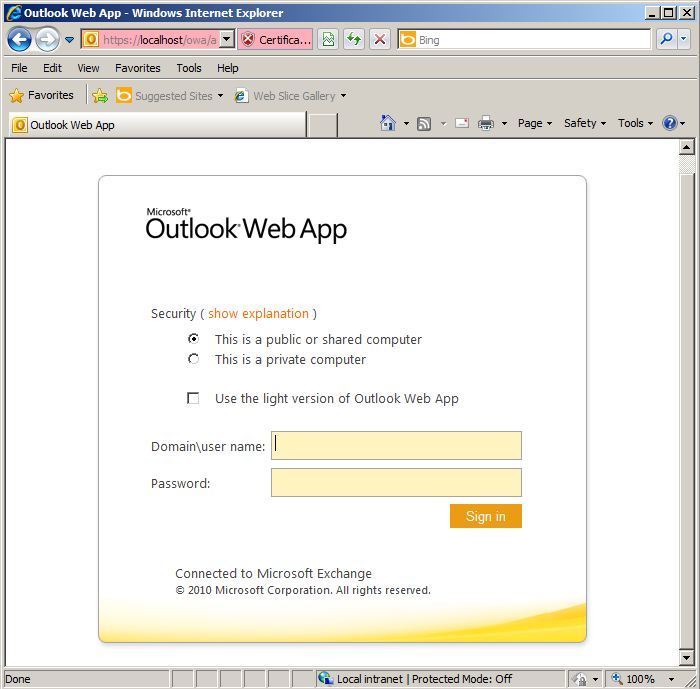
When trying to access Outlook Web App (or Outlook Web Access for those used to earlier versions of Exchange), you see a blank white page and nothing else.
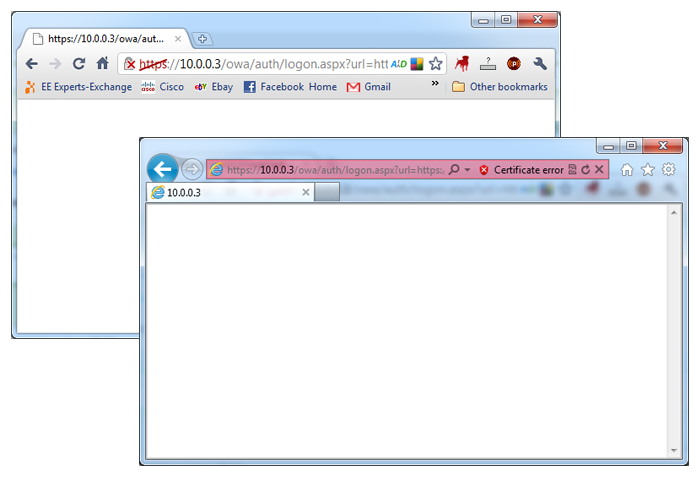
The certificate and IIS works but no OWA.
Solution
This is usually due to an exchange pre-requisite that is missing, or one of them is not working.
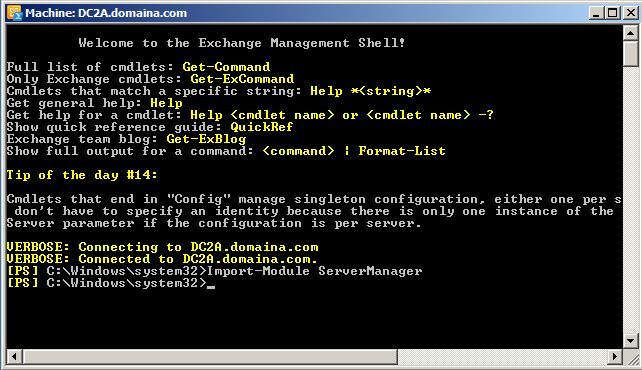
1. Launch the Exchange Management Shell, (Start > All Programs > Microsoft Exchange Server 2010 > Exchange Management Shell).
2. Issue the following command.
Import-Module ServerManager
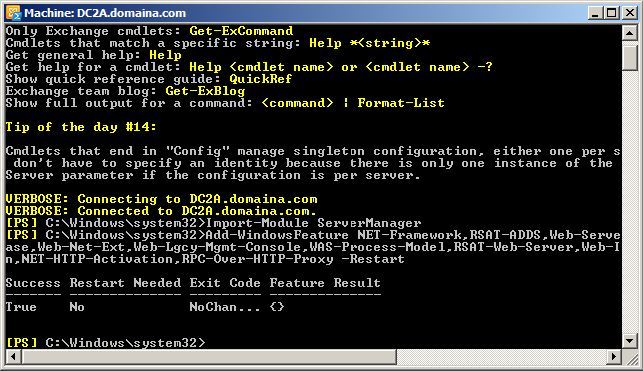
3. Issue the following command.
Add-WindowsFeature NET-Framework,RSAT-ADDS,Web-Server,Web-Basic-Auth,Web-Windows-Auth,Web-Metabase,Web-Net-Ext,Web-Lgcy-Mgmt-Console,WAS-Process-Model,RSAT-Web-Server,Web-ISAPI-Ext,Web-Digest-Auth,Web-Dyn-Compression,NET-HTTP-Activation,RPC-Over-HTTP-Proxy -Restart
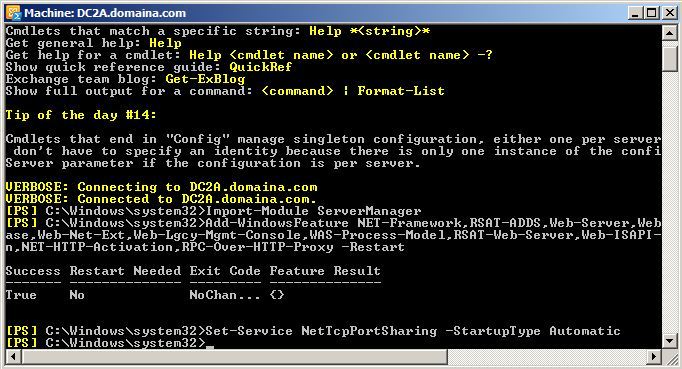
4. Issue the following command.
Set-Service NetTcpPortSharing -StartupType Automatic
5. Retry OWA.
Related Articles, References, Credits, or External Links
Exchange – OWA and ECP Websites Blank After Logon
