
KB ID 0000395
Problem
Did you know you can install Java and Flash with the Ubuntu Restricted extras pack? click here
Im not a big fan of Java, In the past I’ve either had the wrong version, or it’s made something run like a dog, but I need it for the Cisco management stuff I need to do. (Guess what the next article is going to be 🙂 Like Adobe Flash, there seems to be a lot of different info out on the web about how to do this, so it took me a while to do something that was painfully easy in the end.
Solution
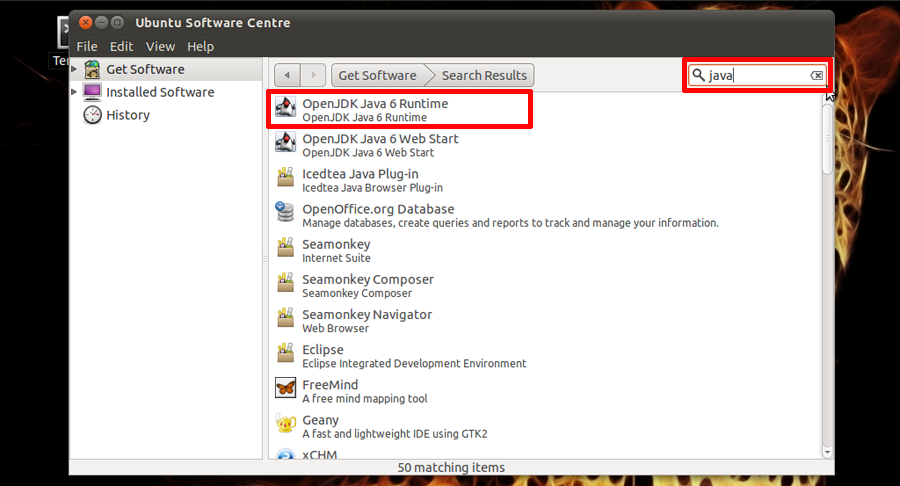
1. Click Applications > Ubuntu Software Centre > Type “java” in the search terms > Locate OpenJDK Java 6 Runtime.
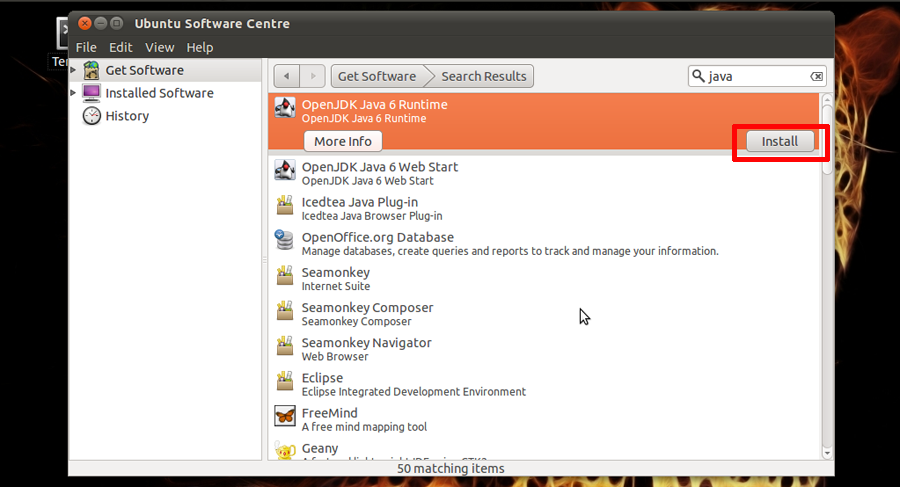
2. Hit install.
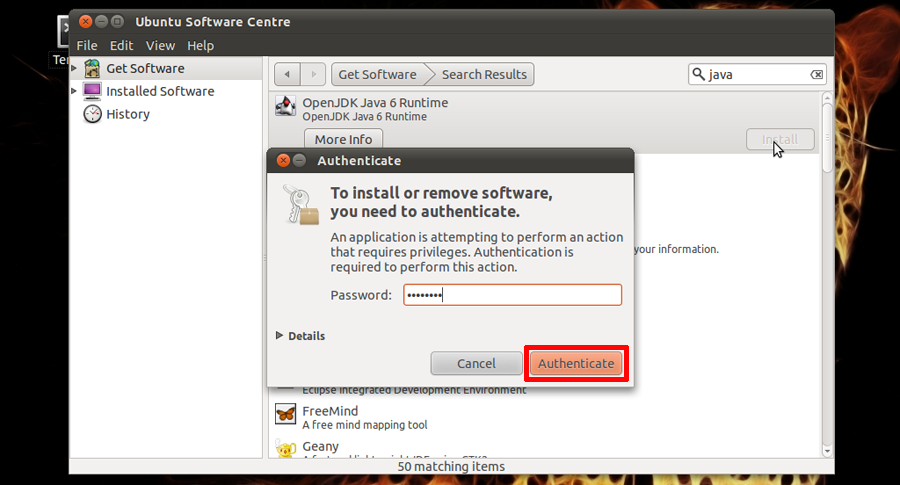
3. You may be asked to authenticate, do so. My netbook is a little slow so at this point it appeared to hand for a while (Go and have a brew! It will be finished by the time you come back.
Related Articles, References, Credits, or External Links
Also See Ubuntu (Chrome) Installing Adobe Flash
