
KB ID 0000385
Problem
Did you know you can install Java and Flash with the Ubuntu Restricted extras pack? click here
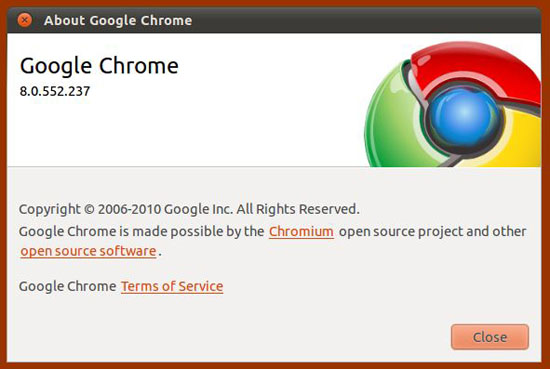
At the time of writing, Adobe have pulled the previous beta of x64 bit flash for Chrome, which is annoying because I am running it on my x64 Ubuntu 10.10 box.
Solution
To be honest more of a workaround than a solution, but you can get chrome to install the x32 bit version and it will run it as a separate process.
1. Launch a terminal Session (Applications > Accessories > Terminal), issue the following command followed by your password.
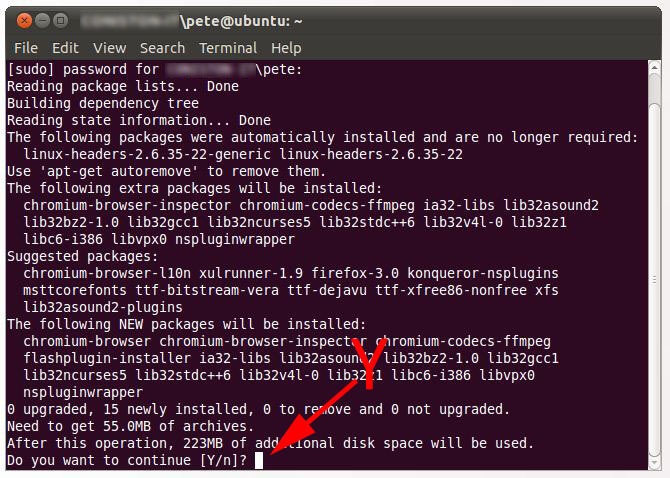
sudo apt-get install chromium-browser flashplugin-installer
2. When prompted enter “Y” for yes.
3. Time to put the kettle on.
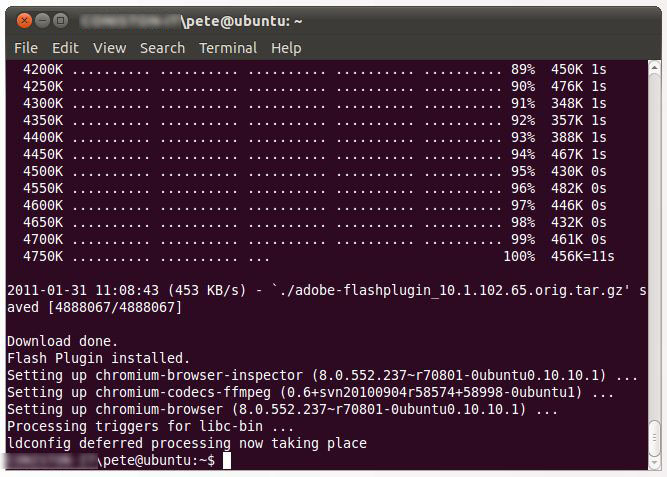
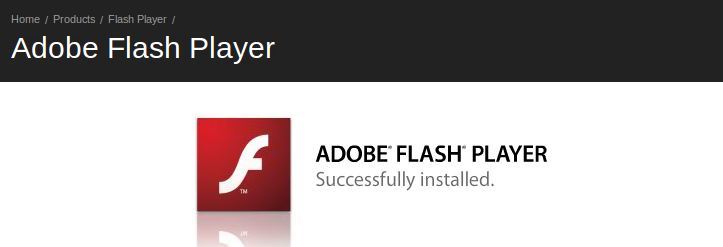
4. When its finished, open up Chrome and go here to test it.
Related Articles, References, Credits, or External Links
Also see Ubuntu – Installing Java
