
KB ID 0000308
Problem
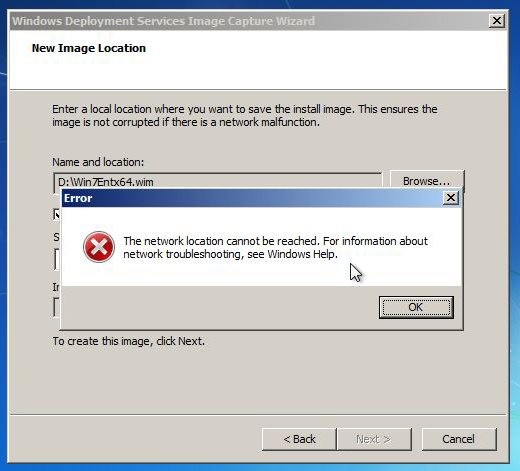
Whilst trying to contact a WDS server from an ESX client machine (though this can happen on a physical machine also). You see the following error,
The network location cannot be reached, For information about network troubleshooting, se Windows Help.
Solution
This is because the WindowsPE image you are using to Capture/Deploy does not have the network drivers for the NIC in the machine you are imaging (At time of writing the VMXnet3 driver is NOT in the standard WindowsPE 3.0 image).
1. Get the drivers for the NIC, if they are the VMware VMXnet 3 drivers, you can find them on any guest machine running the VMware tools, (look in Program filesVMwareVMware ToolsDrivers), copy both the folders as indicated below.

2. If you ARE using WDS you will need to right click your boot images and export them.
3. Once you have the drivers and the images – use THIS PROCESS to inject the drivers into the image.
4. Finally in the WDS Administrative console, delete the boot Images and “Re-import” the ones you have just updated with the new drivers.
Related Articles, References, Credits, or External Links
NA
