KB ID 0000304
Problem
Event ID 4107
Failed extract of third-party root list from auto update cab at: <Microsoft URL>with error: A required certificate is not within its validity period when verifying against the current system clock or the timestamp in the signed file.
There’s a lot of info on this error out there in forums, and 99% of it had nothing to do with my problem.
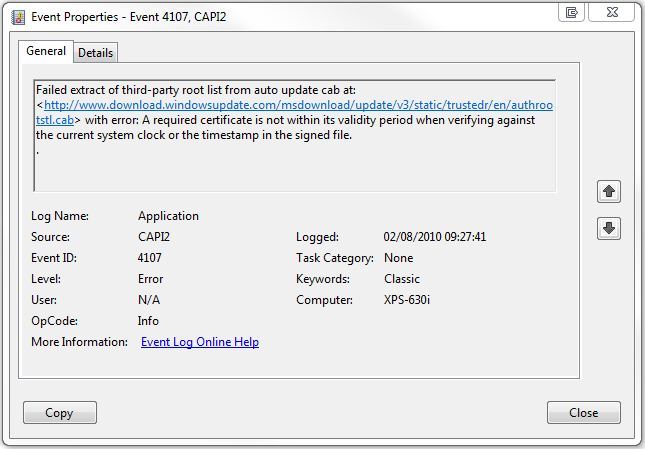
Its basically a certificate error, to get to the bottom if it you need to dig a bit deeper.
Solution
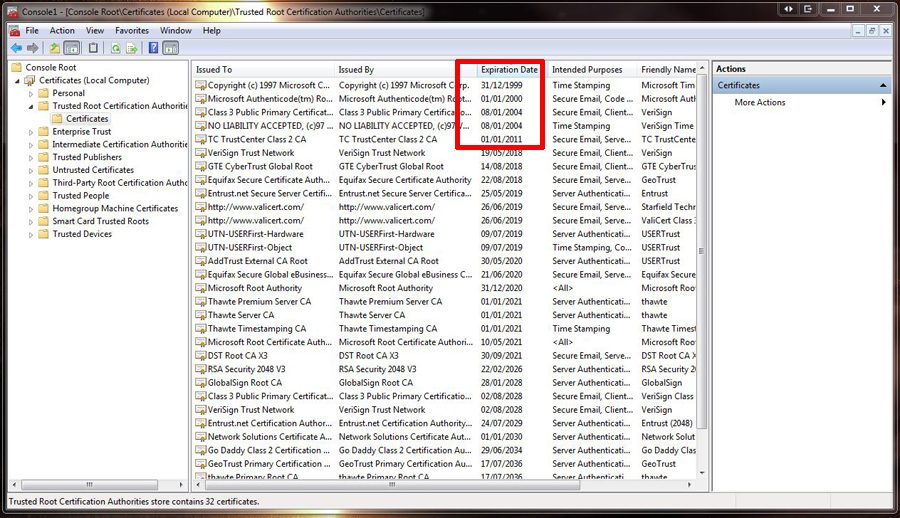
If you have been hunting for a fix, and got here, you may of already tried some or all of these which DID NOT WORK, downloading and installing the certs from the link in the error,or deleting all your expired root certs.
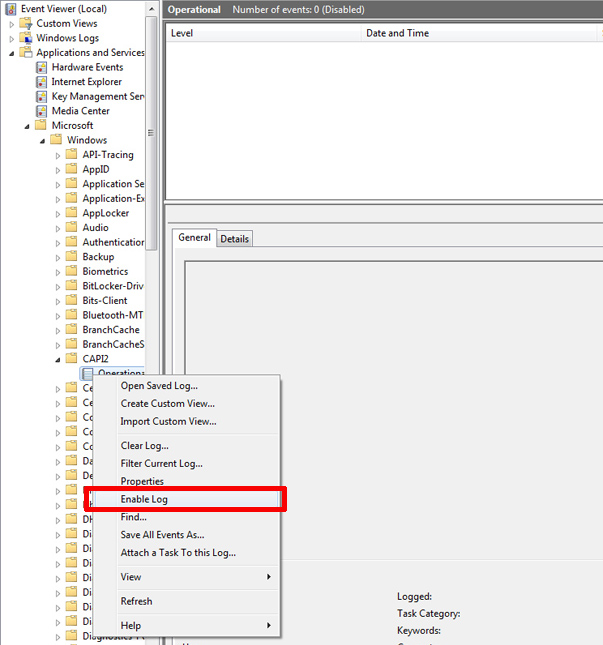
1. First you need to get some detailed logging on what’s failing, Click Start > Control Panel > Administrative tools > Event Viewer > Expand Applications and Services > Microsoft > Windows > CAPI2 > Right click “Operations” > Select “Enable Log” >Then reboot.
2. Return to the same place in Event Viewer > And open the errors listed there, as you can see “In My Case” the problem is McAfee, after I removed McAfee and installed the latest version (8.7i with patch 3 at time of writing), the error ceased.
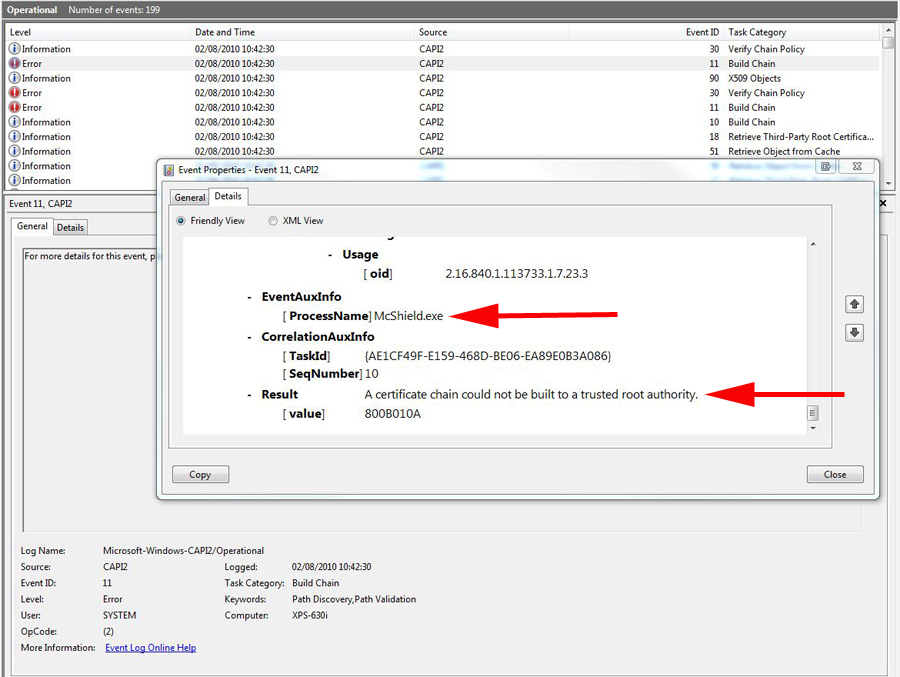
Note: Your problem may not be McAfee, but at least you now have a better idea of what it is 🙂
Related Articles, References, Credits, or External Links
NA