
KB ID 0000079
Problem
You want to carve up the space on your hard drive.
Solution
Creating a Partition
1. First ensure you have a windows 98SE Bootdisk, you can download one, CLICK HERE
2. Boot the PC with your boot disk, ENSURE the boot order is set in the BIOS to boot from the floppy disk BEFORE the hard drive
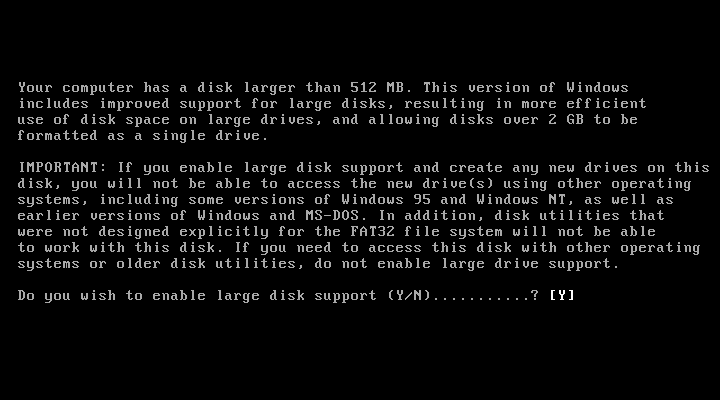
3.To launch FDISK simply type fdisk {enter} at the command prompt, when the program launches press the Y key and {enter} to enable large drive support
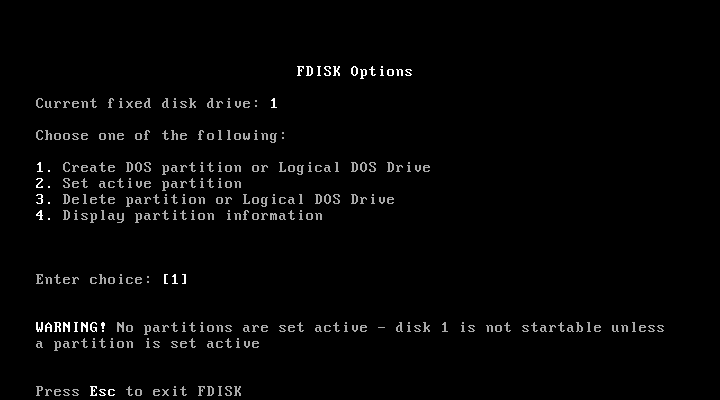
4. If its not allready selected change the choice to [1] Create DOS Partition or Logical DOS Drive. and {enter}
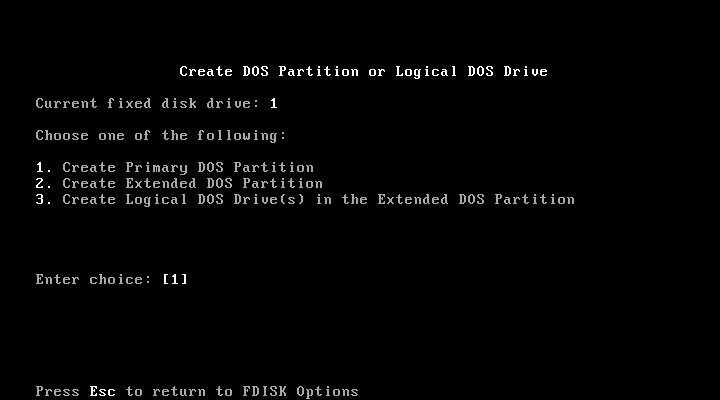
5. You now want to create a primary DOS partition press 1 then {enter}
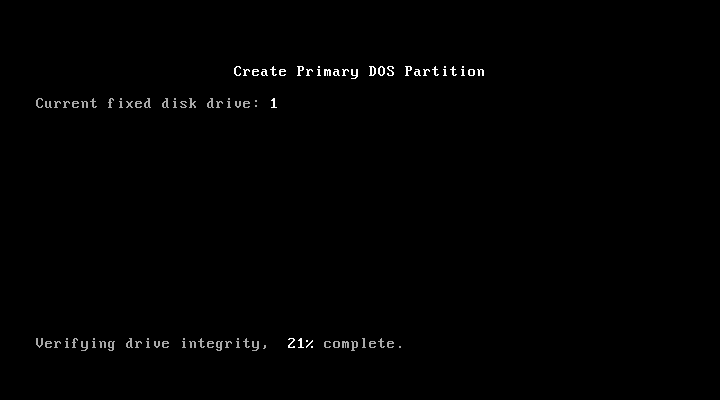
6. FDISK will do a quick drive check.
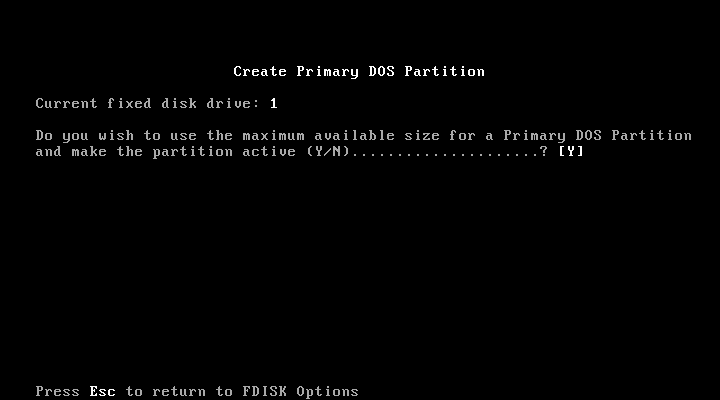
7. You will be asked if you want to use the maximum space available, as we only want one partition accept the default of “Y” and press {enter}
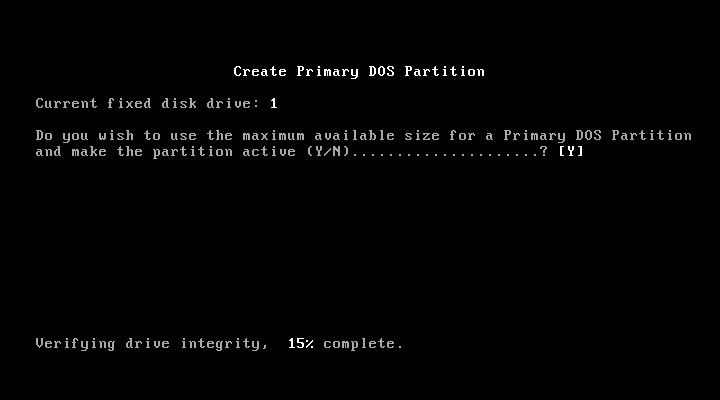
8. FDISK will perform another drive check.
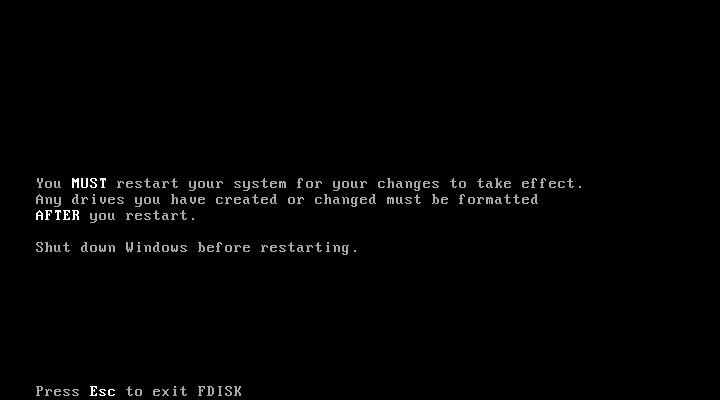
9. Hurrah! We’re done, Press Esc to exit FDISK then at command line press Ctrl+Alt+Delete to rebootand the partition is in place.
Related Articles, References, Credits, or External Links
NA
