
KB ID 0000002 Dtd 28/05/10
Problem
-=-=-=-=-=-=-=-=-=-=-=-=-=-=-=-=-=-=-=-=-
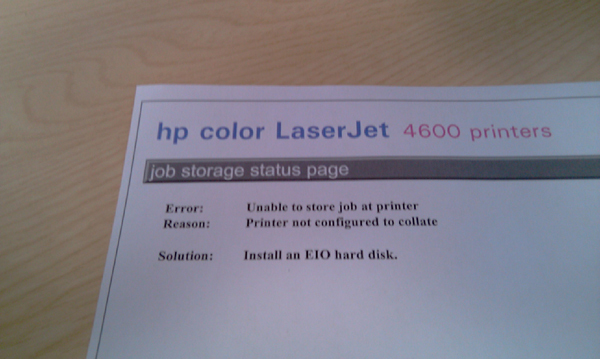
Error “Unable to store Job at Printer”
Reason “Printer not configured to collate”
Solution “Install an EIO hard disk”
-=-=-=-=-=-=-=-=-=-=-=-=-=-=-=-=-=-=-=-=-
Usually when trying to print a multi page document.
Solution
1. Start > Control Panel > Printers
2. Locate the printer > Right Click > Properties.
3. Device Settings > Mopier Mode > Set to Disabled.
4. Apply OK Windows 7 You don’t have “Mopier Mode”, do the following. 1. Start > Control Panel > Devices and Printers. 2. Double click the printer > Adjust Print Options > Change “Advanced Printing Features” to Disabled.

Related Articles, References, Credits, or External Links
NA
